Satellite communications
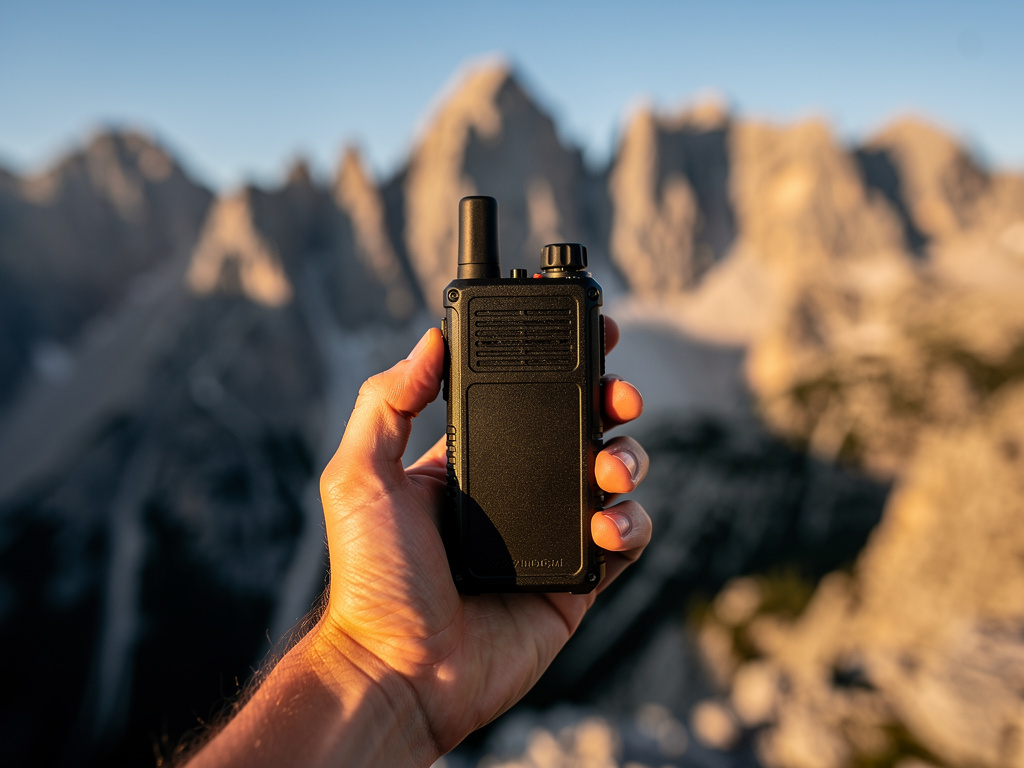
Satellite communication is your long-range backup when local infrastructure is down. Unlike cellular networks, satellite messengers can still send basic messages and SOS requests in many conditions, even when towers are overloaded or offline.
For preparedness, satellite is a high-reliability layer for critical coordination, not a daily chat tool.
What satellite tools are best for
Satellite communicators are most useful for:
- Emergency SOS and rescue coordination
- Out-of-area status updates to family contacts
- Short logistics messages when regional outages persist
- Position sharing during evacuation or travel
They are less suitable for:
- High-volume messaging
- Dense canopy, deep canyon, or indoor use without clear sky
- Cost-sensitive routine communication
Use satellite as the top layer above General Mobile Radio Service (GMRS), HAM, and mesh.
Iridium vs Globalstar: which network covers you
Not all satellite messengers use the same constellation. The two dominant networks for personal messengers differ in coverage and equipment cost.
Iridium runs 66 low-earth-orbit (LEO) satellites in polar orbits, giving it true global coverage including both poles. If you can see any patch of sky, Iridium can reach you. Garmin inReach and Zoleo both use Iridium.
Globalstar runs 24 LEO satellites in orbits that cover latitudes roughly between ±70°. That includes the continental United States, Europe, most of South America, and most of Asia. It does not cover polar regions. SPOT devices use Globalstar.
For most North American preparedness users, Globalstar coverage is sufficient — you are almost certainly within its service band. The practical differences show up at extremes: polar expeditions, high-latitude Alaska, and offshore sailing routes. If your use case includes any of those, prioritize an Iridium-based device. If your emergency planning is centered on continental US or Canada south of 60°N, either network works.
Device categories
Dedicated satellite messengers
Pros:
- Strong battery life
- Ruggedness
- Purpose-built SOS workflows
Cons:
- Subscription required
- Limited message bandwidth
Satellite-enabled smartphones
Pros:
- Fewer devices to carry
- Familiar interface
Cons:
- Feature availability varies by model and region
- Battery dependence on phone ecosystem
Satellite phones
Pros:
- Voice capability where available
Cons:
- Higher cost and complexity
- Heavier and power-hungry for routine preparedness use
Message length by device
The practical character limits on satellite messengers shape how you write and what you can say. Know your device's limit before you need it.
| Device | Message limit | Notes |
|---|---|---|
| SPOT (base model) | Preset messages only | No free-text; device sends pre-written canned phrases configured via the SPOT website before departure |
| SPOT X (with keyboard) | 160 characters | Adds two-way text; closest to SMS length |
| Garmin inReach | 160 characters | Free text, two-way; similar to a standard SMS |
| Zoleo | 950 characters | Significantly longer; supports structured situation reports |
The 160-character limit on inReach and SPOT X is workable for status updates using the [STATUS] [LOCATION] [NEED] [NEXT CHECK-IN] format described below. Zoleo's 950-character limit opens up more descriptive field reports — useful for coordinating mutual aid or relaying medical information when a short status code is not enough.
SOS buttons on every device send a 911-equivalent alert with GPS coordinates regardless of message length limits. The character limit applies only to two-way messaging.
Sky visibility and antenna angle
The most common reason a satellite message fails is not weak signal — it is an obstructed view of the sky. Iridium's documented minimum usable elevation angle is approximately 8°, though real-world performance improves noticeably above 20° and is most reliable above 40° from the horizon. Globalstar has a similar practical floor. In practice, treat 20° as your minimum working threshold and aim for 40° or higher when sending a critical message.
Obstacles that block the signal even when sky is partially visible:
- Tree canopy (even sparse)
- Canyon walls and cliff faces
- Building eaves and overhangs
- Vehicle rooflines
Move to an open clearing, a ridgeline, or open water before sending a critical message. If you are in a forested area, walk to the largest gap in the canopy you can find and hold the device face-up, flat to the sky. Tilting or pocketing the device while sending is a common field error.
Elevation is not enough
Standing on a hillside facing a cliff wall still blocks your signal hemisphere. It is the 360° horizontal sky view that matters, not just altitude. When in doubt, move to the highest open ground available.
Message sent is not message received
In marginal environments, messages may queue but never deliver. Always verify delivery status when possible. For critical communications, request acknowledgement and include your next check-in time. Plan for delayed delivery and retry behavior.
Battery endurance in cold weather
Lithium cells — the chemistry in every satellite messenger — lose 20–30% of their rated capacity at 32°F (0°C). At 0°F (-18°C), effective capacity can drop by up to 50%. A device showing 60% charge in a warm tent may behave like a near-dead unit after an hour outside in a cold snap.
Practical cold-weather discipline:
- Keep your device inside a jacket or vest pocket when temperatures drop below freezing. Body heat maintains battery performance.
- Do not store the device in an outer pack pocket, vehicle glove box, or tent vestibule overnight in sub-freezing conditions.
- When you retrieve the device to send a message, give it 2–3 minutes of warming in your hands before transmitting.
- A "message failed" or "no satellite lock" error in cold is often a battery performance failure, not a coverage gap. Check battery percentage first.
- Carry a compact 5,000 mAh USB power bank as backup — most current inReach, Zoleo, and Bivy Stick devices charge via USB-C.
Field note
Test your full setup before you need it in the field. Activate the subscription, send a non-emergency check-in message to a real contact, and confirm they received it. Plans are worthless if the account has lapsed, the SOS profile is incomplete, or the contact has not been added. Do this annually at minimum, and before any high-stakes trip or season. Accounts that sit dormant through billing cycles sometimes suspend automatically.
Subscription and account planning
Before an emergency:
- Choose a plan level matching your realistic message volume
- Configure SOS profile and emergency contacts
- Add your core network contacts and test outbound/inbound messaging
- Document billing and renewal ownership
Avoid dormant accounts that lapse when you need them most.
Message protocol for satellite
Keep messages short, structured, and actionable.
Suggested format:
[STATUS] [LOCATION] [NEED/ACTION] [NEXT CHECK-IN]
Examples:
GREEN | N side Oak Park | No support needed | Next check 1800YELLOW | Hwy 12 MP43 | Need fuel 10L + water | Next check 1400RED | Cabin Ridge trailhead | Medical assist needed | Stay on channel
Avoid ambiguous language in low-bandwidth channels. On inReach and SPOT X with their 160-character limit, the four-field format fits comfortably. Zoleo users can append a brief situation summary in the remaining characters.
Integrating satellite into your comms plan
In your communications plan, define satellite as:
- Trigger condition: when local methods fail or travel leaves local coverage
- Message windows: fixed check-in times to conserve battery
- Primary recipients: out-of-area relay + one backup contact
- Escalation: when to send SOS versus routine request
Document this in print and keep with go-bags and vehicles.
Battery and power discipline
Satellite reliability depends on power management.
Best practices:
- Keep devices charged above 70% during elevated risk periods
- Carry dedicated power bank and tested cable
- Use low-power mode during prolonged incidents
- Set predictable check-in windows instead of continuous polling
Quarterly test:
- Send/receive test messages
- Verify contact list and preset messages
- Confirm battery health and charging chain
SOS readiness
Know your device's SOS flow before stress conditions.
Minimum prep:
- Complete profile with medical notes and emergency contacts
- Understand cancellation procedure for false activation
- Teach all adult household members how to trigger SOS
- Keep device accessible, not buried at pack bottom
Practice without false alarms
Many platforms provide test workflows or non-emergency check-ins. Use those for drills. Never trigger real emergency channels for practice.
Legal and operational considerations
- Verify permitted use in countries or regions you travel through
- Understand any restrictions for protected areas or borders
- Keep firmware updated before high-risk seasons
- Maintain physical protection (case, tether, weather handling)
Common mistakes
- Buying a device and never activating or testing service
- Assuming indoor operation will work reliably
- No structured message format
- No backup power plan
- Treating SOS as a general support channel
- Sending messages in a canyon or under tree canopy and assuming they went through
- Not accounting for cold-weather battery loss during winter deployments
Practical checklist
- Select device class based on realistic use case and coverage needs (Iridium vs Globalstar)
- Activate and maintain subscription; verify account is not dormant
- Configure emergency profile and contacts
- Add satellite procedures to communications plan
- Practice structured status messaging monthly
- Test charging and backup power quarterly
- Confirm sky-view requirements for your typical operating environment
- Test cold-weather performance before winter season
Satellite communication is an excellent force multiplier when used deliberately. Pair it with strong local layers (signals, mesh, GMRS) to keep your network resilient from block level to out-of-area coordination. For voice-grade options at range, ham radio complements satellite messaging by adding real-time coordination capability.
Device and plan cost comparison
Subscription costs are monthly; most plans can be paused between active need periods.
| Device | Cost tier | Plan cost tier | Coverage |
|---|---|---|---|
| Garmin inReach Messenger | Affordable | Inexpensive–Moderate | Global (Iridium) |
| Garmin inReach Mini 2 | Affordable–Moderate | Inexpensive–Moderate | Global (Iridium) |
| SPOT X (2-way messaging) | Inexpensive–Affordable | Inexpensive–Affordable | Globalstar (no polar coverage) |
| Zoleo (2-way messaging) | Affordable | Inexpensive–Affordable | Global (Iridium) |
| Bivy Stick (app-connected) | Affordable | Inexpensive–Affordable | Global (Iridium) |
| iPhone 15+ satellite SOS | No extra device | Free for SOS on most US carriers | Apple/Globalstar |
Subscription strategy
For preparedness use, keep the lowest "Enabled" or "Basic" plan active at all times. This maintains GPS tracking and SOS capability. Upgrade to a higher messaging tier only before travel or when conditions warrant. Most services allow instant plan upgrades from the app.